

The web interface
The web interface works on a phone as well as a desktop, in English, French and Swedish, light or dark. Each vehicle has five tabs: State, Trips, Charges, Stats and Battery.
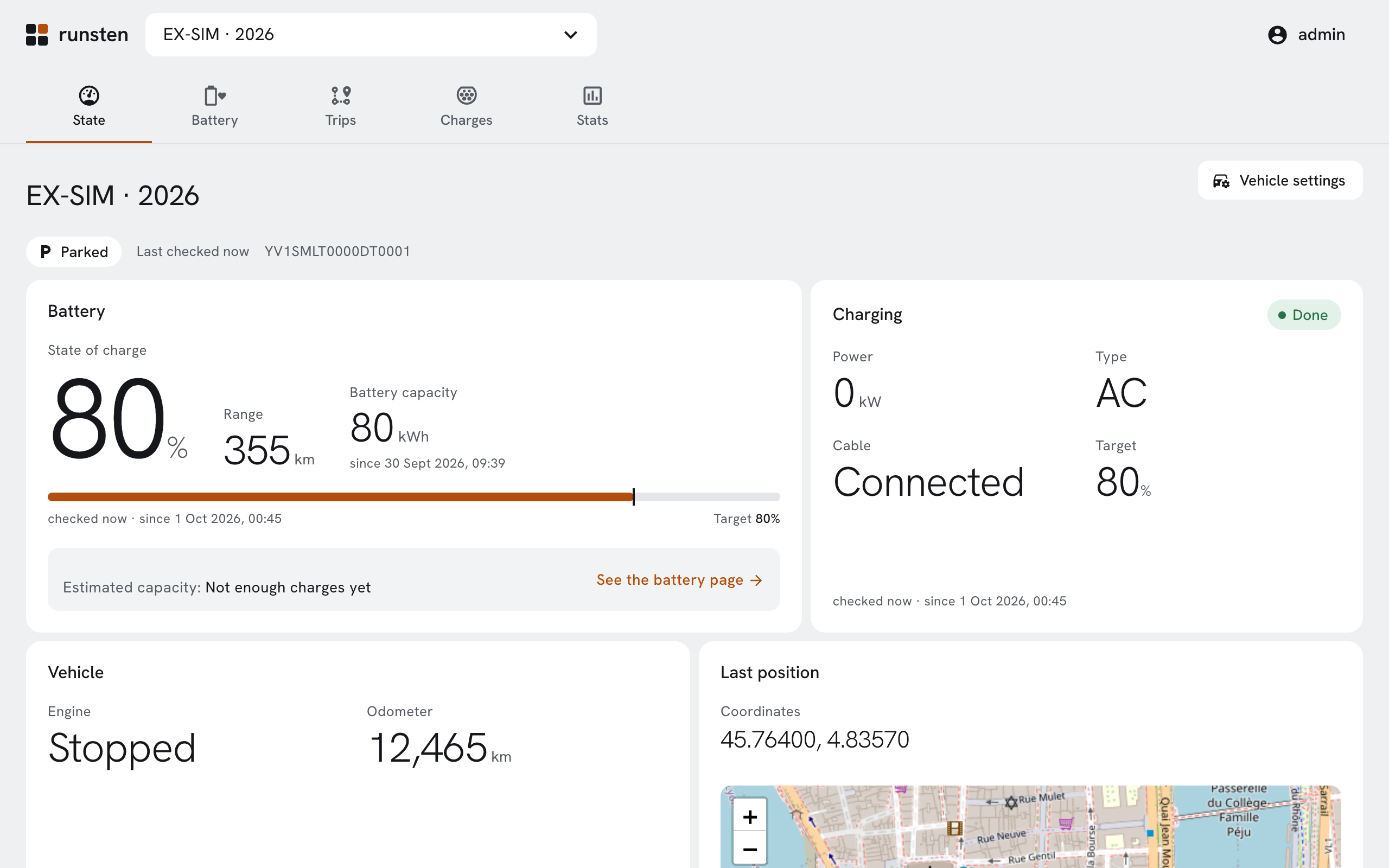
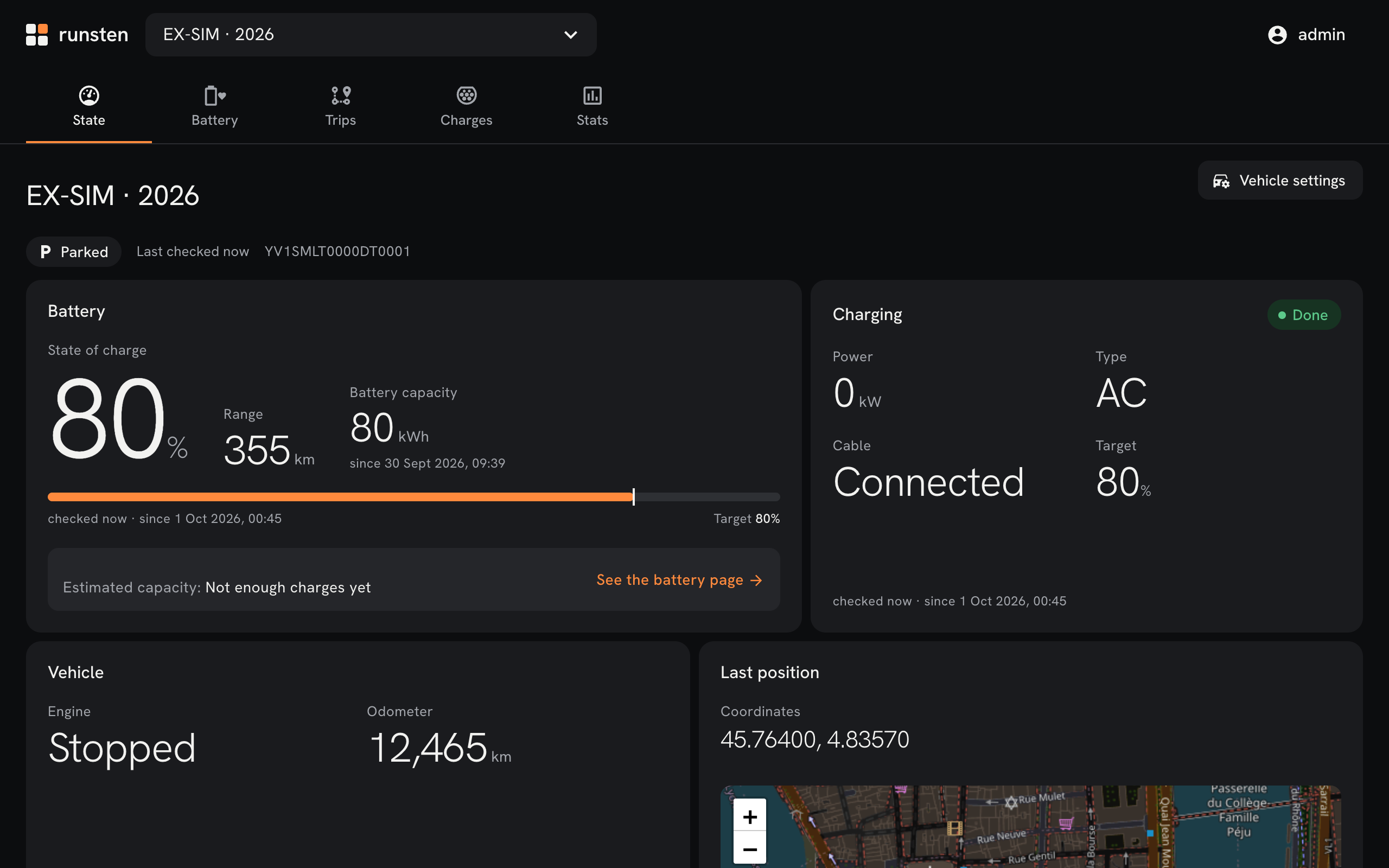
State
The car as last read: its state of charge and range, whether it is charging, its odometer and its last position. Each value tells when it was last checked and since when it holds, and is marked as old when it is.
A warning shows on every page of the vehicle when nothing new is read of it: the Volvo ID to connect again, a pause, an exhausted quota, or a collector that has stopped (Troubleshooting).
Settings and preferences
- Settings (the cog in the bar) are the account's: the currency, the places and their tariffs, and the costs left without a charge (Places, tariffs and costs).
- A vehicle's settings (the button by its name): its model and onboard charger (Vehicle models).
- Preferences (the menu under your name, which also signs out): the language and the appearance, automatic, light or dark, kept in the browser.
Privacy
Positions are coordinates with a link to OpenStreetMap, opened only on a click: no map is loaded, so no map service learns where the car is. The browser keeps only the session cookie, the chosen language and the chosen appearance.
Accessibility
Every view is checked with axe, on a phone and a desktop, light and dark, with no WCAG 2.1 A or AA violation. Each chart is described in a sentence, and its figures are in a table for screen readers.